
MyFuneralManager
  • Features
  • Following Code
  • Pricing
  • About Us
  • News
  • FAQ
  • Contact Us
BOOK A DEMO

Getting Started

2
  • Welcome to MyFuneralManager
  • Logging In

MyFuneralManager

6
  • The Dashboard
  • Adding a New Funeral Record
  • Calendar
  • Fixed Data Files
  • Branch Chat
  • Coroners Invoice

Information

2
  • QR Codes
  • The Bereavement Register

HELP!

1
  • I have forgot my password
View Categories
  • Knowledge Base
  • HELP!
  • I have forgot my password

I have forgot my password

< 1 min read

If you forget your Password, dont worry.

From the Main log-in page click the link "Forgot your Password" Enter your Work Email address or your Username and click "Get Reset Link" 

After a few moments you will be sent a link to change your password, If you dont get the email after 5 minutes then  contact our support by completing a Support Ticket here. or by sending an email to [email protected]
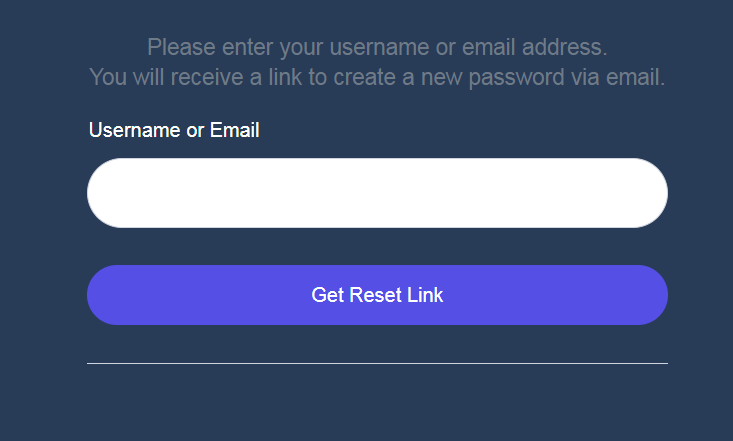
Password Re-set
Updated on 2 May 2026

Did this tutorial help you?

  • Happy
  • Normal
  • Sad

MyFuneral manager

Features Following Code Pricing Current Version V1.1.16.05.2026

Information

Terms & Conditions Cookies Policy Data Protection Policy Privacy Policy

Support

Log a Support Ticket ]Uptime Status pKnowledge-base tFAQ

Copyright © 2026 MyFuneralManager