
MyFuneralManager
  • Features
  • Following Code
  • Pricing
  • About Us
  • News
  • FAQ
  • Contact Us
BOOK A DEMO

Getting Started

2
  • Welcome to MyFuneralManager
  • Logging In

MyFuneralManager

6
  • The Dashboard
  • Adding a New Funeral Record
  • Calendar
  • Fixed Data Files
  • Branch Chat
  • Coroners Invoice

Information

2
  • QR Codes
  • The Bereavement Register

HELP!

1
  • I have forgot my password
View Categories
  • Knowledge Base
  • Getting Started
  • Logging In

Logging In

< 1 min read

Logging in to MyFuneralManager is simple.

Please use the link you have been given in your welcome email, your link is specific to your Funeral Home. If you dont know your log-in please contact our support by completing a Support Ticket here. or by sending an email to [email protected]

Once you have access to the site you will be shown our secure log-in screen.
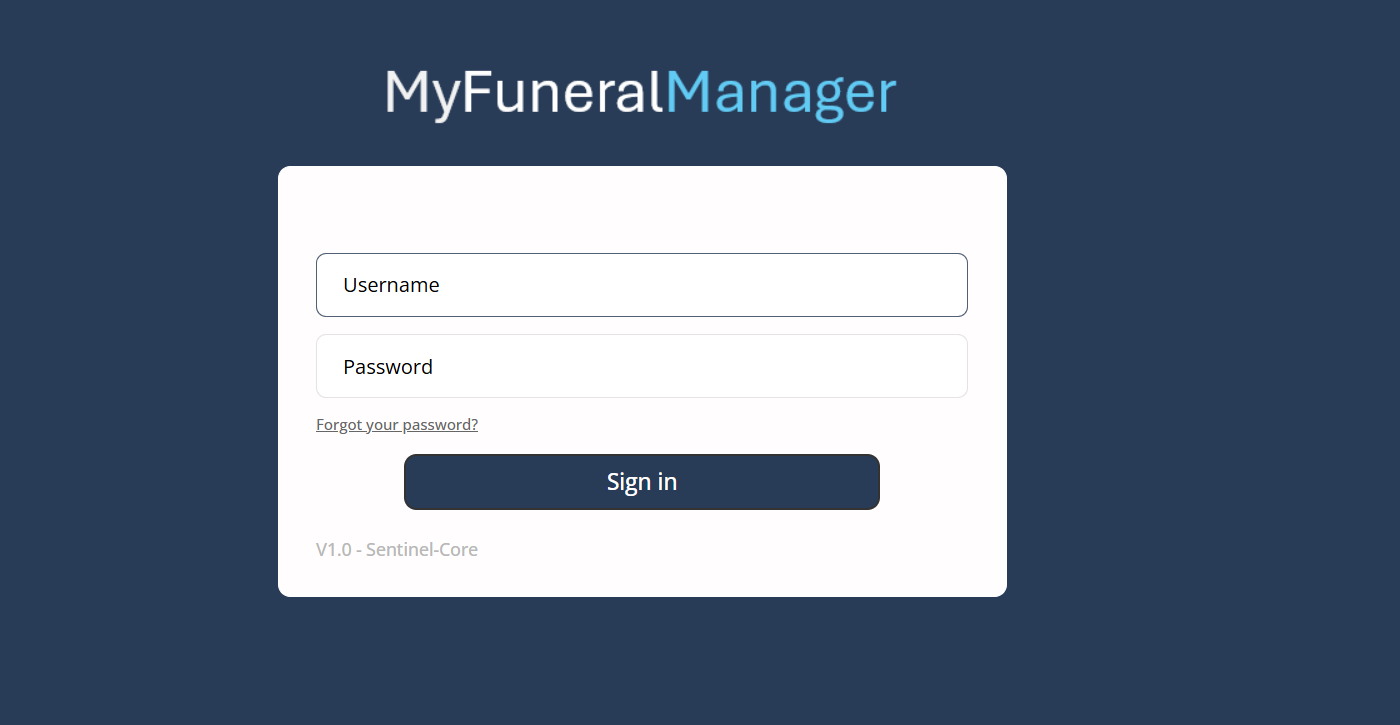
Enter your username and password and click "Sign in"

Updated on 2 May 2026

Did this tutorial help you?

  • Happy
  • Normal
  • Sad

MyFuneral manager

Features Following Code Pricing Current Version V1.1.16.05.2026

Information

Terms & Conditions Cookies Policy Data Protection Policy Privacy Policy

Support

Log a Support Ticket ]Uptime Status pKnowledge-base tFAQ

Copyright © 2026 MyFuneralManager